
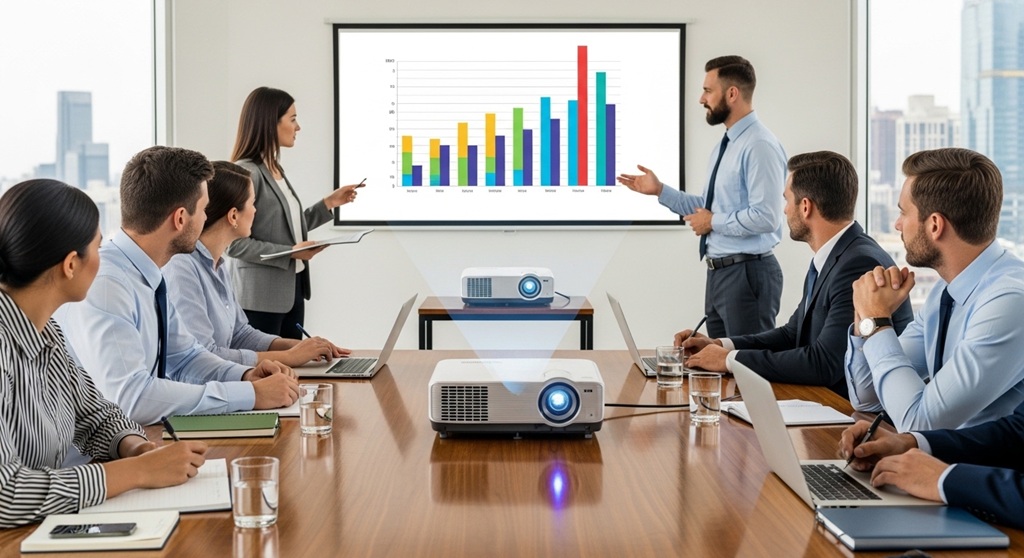
Business meetings often succeed or fail based on how clearly ideas are communicated. In many organizations, presentations remain the core tool for explaining strategies, reviewing performance, or pitching new initiatives. Yet poor visual equipment can turn a well-prepared presentation into a confusing experience. Dim images, unreadable charts, and connection issues waste time and weaken the message.
This is where the right projector becomes essential. Modern business presentation tools rely heavily on high-quality visual displays. When paired with the right office display technology, a projector helps teams communicate complex information quickly and clearly.
According to workplace collaboration research from Frost & Sullivan, companies that adopt advanced visual collaboration tools can improve meeting productivity by up to 30%. Visual communication also helps people retain information longer compared with verbal explanations alone.
Choosing the right projector is therefore not simply a technical decision. It is a strategic investment in communication efficiency, decision-making speed, and team alignment. In this guide, we will explore how the right projector improves meetings, what features matter most, and how businesses can select a projector that supports productive collaboration.
How Can the Right Projector Improve Business Meetings?
Short Answer: The right projector improves business meetings by delivering clear visuals, supporting collaboration, reducing technical delays, and making presentations easier to understand.
Business meetings rely on visual communication. Whether the goal is to explain financial data, review marketing plans, or demonstrate new software, visual clarity is essential.
Modern projectors improve meetings in several ways:
- They display high-resolution charts and data clearly.
- They support wireless connections for faster setup.
- They allow large audiences to see information simultaneously.
- They integrate with modern business presentation tools such as laptops, tablets, and cloud platforms.
Without proper display technology, meetings often slow down due to connection problems or unclear visuals. When teams can see information clearly, discussions become more focused and decisions happen faster.
A case study from a global consulting firm showed that upgrading conference room projectors reduced meeting delays by 20%. Employees reported fewer interruptions and faster presentation transitions.
In practical terms, the right projector helps teams move from explaining information to discussing insights.
Why Are Visual Displays Important in Business Communication?
Short Answer: Visual displays improve comprehension, retention, and engagement during meetings.
Human brains process visual information faster than text or speech. Research from 3M Corporation suggests that visuals are processed 60,000 times faster than text. This explains why charts, diagrams, and dashboards help people understand complex topics quickly.
In business meetings, visual communication improves:
- Understanding of financial and operational data
- Team engagement during presentations
- Retention of key information
- Collaboration during brainstorming sessions
Effective office display technology allows presenters to show dashboards, workflow diagrams, and project timelines clearly. Instead of describing numbers verbally, presenters can visualize them through graphs and tables.
For example, during quarterly business reviews, executives often analyze multiple performance metrics. A projector allows the presenter to display charts and highlight trends instantly, enabling the team to discuss strategies based on clear data.
Without visual displays, meetings become lecture-style discussions where participants struggle to follow complex information.
What Features Should Businesses Look for in a Meeting Room Projector?
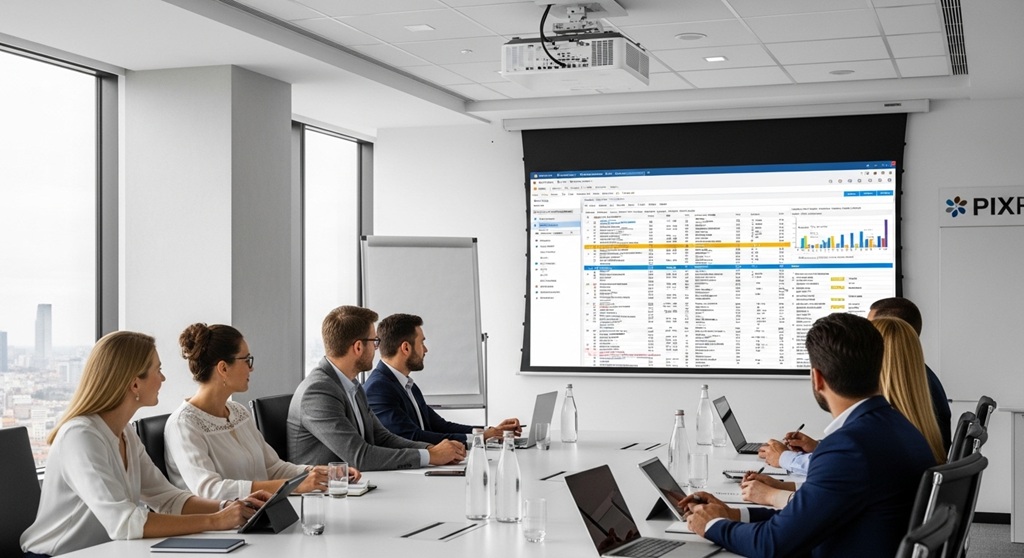
Short Answer: Key projector features include brightness, resolution, connectivity options, image size, and reliability.
Choosing a projector requires understanding how meetings are conducted inside your organization. Several technical factors determine whether a projector performs well in conference environments.
1. Brightness (Lumens)
Brightness determines how visible the projected image is in rooms with ambient lighting. Most meeting rooms require projectors between 3,000 and 5,000 lumens.
Higher brightness ensures that charts and text remain readable even when lights are on.
2. Resolution
Resolution affects image clarity. Modern businesses typically use:
- Full HD (1920×1080)
- WUXGA (1920×1200)
- 4K projectors for large conference rooms
Higher resolution improves readability of spreadsheets and presentation slides.
3. Wireless Connectivity
Wireless projection reduces cable clutter and speeds up meeting setup. Many modern projectors support:
- Wi-Fi connectivity
- Screen mirroring
- Mobile device projection
This allows multiple presenters to switch displays quickly.
4. Throw Distance
Throw distance determines how far the projector must be placed from the screen. Small meeting rooms often use short-throw projectors, while large boardrooms use standard or long-throw models.
5. Lamp Life and Maintenance
LED and laser projectors offer longer life spans compared with traditional lamp projectors. Laser projectors can last up to 20,000 hours, reducing maintenance costs.
When evaluating business presentation tools, reliability is often as important as visual quality.
How Does Office Display Technology Increase Meeting Productivity?
Short Answer: Advanced display technology improves productivity by reducing setup time, improving clarity, and enabling interactive collaboration.
Productive meetings require efficient communication tools. When employees spend time troubleshooting cables or adjusting visuals, the meeting loses focus.
Modern office display technology improves productivity through several features:
- Instant device connectivity
- High-resolution visuals
- Split-screen presentations
- Integration with collaboration platforms
For example, many projectors now support simultaneous screen sharing. Multiple team members can display data side-by-side, making comparisons easier during discussions.
Another productivity improvement comes from wireless presentation systems. Employees no longer need to move cables between laptops. Instead, they can connect instantly from their devices.
A workplace technology study by Deloitte found that companies using integrated visual collaboration tools reduced meeting preparation time by approximately 25%.
This means teams can focus more on decision-making rather than technical setup.
What Types of Projectors Work Best for Different Meeting Rooms?
Short Answer: The best projector depends on room size, lighting conditions, and presentation needs.
Not all meeting spaces require the same type of projector. Businesses should evaluate room characteristics before making a purchase.
| Meeting Room Type | Recommended Projector | Typical Brightness |
|---|---|---|
| Small meeting room | Short-throw projector | 2,500–3,000 lumens |
| Medium conference room | Standard projector | 3,000–4,000 lumens |
| Large boardroom | High-brightness laser projector | 4,500–6,000 lumens |
| Training hall | 4K or high-resolution projector | 5,000+ lumens |
Selecting the right projector ensures that presentations remain visible for everyone in the room.
Large meeting spaces require higher brightness because ambient light can reduce image clarity. Smaller rooms may prioritize short-throw projectors to avoid shadows.
How Do Projectors Support Modern Business Presentation Tools?
Short Answer: Projectors integrate with modern presentation software and collaboration platforms to enable seamless information sharing.
Today’s presentations rely on a wide range of digital tools. These include:
- Presentation software
- Cloud collaboration platforms
- Video conferencing systems
- Data dashboards
Projectors allow these tools to be displayed clearly to groups of participants. For example, during hybrid meetings, teams may present slides while remote participants join through video conferencing platforms.
High-quality projectors ensure that:
- Charts remain readable
- Videos display smoothly
- Shared documents appear clearly
Modern projectors also support USB presentation features, enabling presenters to display files directly without connecting a laptop.
This flexibility makes projectors a central component of effective business presentation tools.
What Are the Common Mistakes Businesses Make When Choosing Projectors?
Short Answer: Businesses often choose projectors based only on price, ignoring brightness, resolution, and room size.
Several common mistakes reduce the effectiveness of meeting room projectors.
Choosing Low Brightness
Projectors with insufficient lumens produce dim images, especially in well-lit conference rooms.
Ignoring Resolution
Low-resolution projectors make spreadsheets and charts difficult to read.
Overlooking Connectivity
Older projectors with limited ports create compatibility issues with modern laptops.
Not Considering Room Layout
Incorrect throw distance can lead to shadows or distorted images.
When organizations treat projectors as basic hardware instead of communication tools, meetings lose efficiency.
How Can Businesses Implement Projectors for More Effective Meetings?
Short Answer: Businesses should combine proper equipment, training, and meeting structure.
Even the best projector cannot improve meetings if presentations are poorly organized.
Organizations should follow these steps:
- Choose projectors that match room size and lighting.
- Ensure compatibility with collaboration software.
- Train employees on presentation best practices.
- Maintain equipment regularly.
Simple practices such as using readable fonts, clear charts, and structured slides make presentations easier to follow.
When combined with reliable office display technology, these practices create meetings that are informative and productive.
Conclusion: Turning Meetings into Productive Decision Sessions
Business meetings should move teams toward clear decisions and shared understanding. However, poor visual tools often slow discussions and create confusion. Dim projections, connection delays, and unreadable charts reduce the impact of even the most prepared presentations.
The right projector changes this dynamic. High-quality office display technology ensures that every participant can clearly see the information being discussed. When visuals are sharp and reliable, teams spend less time troubleshooting and more time analyzing ideas.
Modern business presentation tools depend on effective display systems. From wireless sharing to high-resolution visuals, projectors help organizations communicate complex information quickly and efficiently.
If your organization wants more productive meetings, evaluating your meeting room technology is a practical first step. The right projector is not simply an accessory—it is a core tool for collaboration, clarity, and better decision-making.
CTA: Review your current meeting room setup today. Upgrading your projector and display technology could significantly improve how your team communicates, collaborates, and delivers results.
Frequently Asked Questions (FAQs)
What brightness level is best for a business meeting projector?
Most meeting rooms require projectors with at least 3,000 lumens. Larger conference rooms may require 4,000–5,000 lumens to maintain image clarity in well-lit environments.
Are projectors better than large TVs for conference rooms?
Projectors are often better for large audiences because they can display much larger images. TVs may work well for small meeting rooms but become expensive and less practical for larger spaces.
How long do business projectors typically last?
Traditional lamp projectors last around 3,000–5,000 hours, while modern laser projectors can operate for up to 20,000 hours before significant brightness loss occurs.
Can projectors support wireless presentations?
Yes. Many modern projectors support Wi-Fi, screen mirroring, and mobile device connections. These features allow multiple presenters to connect quickly without using cables.
What resolution is best for business presentations?
Full HD (1080p) or WUXGA resolution is generally recommended. These resolutions ensure text, spreadsheets, and graphs remain clear even when projected on large screens.
Do projectors work with video conferencing platforms?
Yes. Projectors can display content from video conferencing tools, making them useful for hybrid meetings where remote participants join the discussion.
How often should office projectors be maintained?
Businesses should clean filters and check lamp conditions every few months. Regular maintenance prevents overheating and maintains consistent image quality.
Read More Also: Engaging Millennials with Innovative Digital Campaigns
Find out: What are the Advantages of Timber Frame Kits?



Leave a Reply